
close
Choose Your Site
Global
Social Media

Views: 0 Author: Site Editor Publish Time: 2026-08-16 Origin: Site


Foil stamping adds an undeniable touch of luxury to printed materials. However, inconsistent foil transfer often turns a high-end project into a frustrating cycle of trial and error. Spotty coverage and ugly wrinkling waste expensive materials. They also delay your critical project deliveries. You cannot simply rely on standard document lamination settings and hope for the best. Achieving a flawless finish relies entirely on a precise thermal threshold.
Successful application requires aligning your specific hardware capabilities with distinct material specifications. We will explore exactly how heat impacts foil adhesion. You will learn the specific thermal ranges required for sensitive metallic finishes. We will also break down hardware requirements and troubleshooting steps. This ensures you can guarantee perfect, commercial-grade results every single time.
Understanding how toner foil bonding works helps you control the final output. Heat reactivates the plastic polymers found in standard laser toner. When these polymers reach their melting point, they transform into a sticky, localized adhesive. The metallic film then presses against this adhesive. Once the substrate exits the rollers and cools, the metallic layer remains permanently bonded to the printed design.
You must treat rose gold foil with extra care. It contains delicate metallic pigments mixed to achieve its unique copper-pink hue. These specific pigments are highly sensitive to thermal degradation. If you overheat them, the foil loses its brilliant shine. Overheating causes a visible color shift, leaving you with a dull, muddy finish instead of a vibrant metallic gloss.
Temperature alone will not guarantee a perfect transfer. You must evaluate the entire system using the heat-pressure-time triangle. The speed of the machine determines the dwell time. Dwell time refers to how long the foil remains exposed to the heat source. Simultaneously, the rollers must apply firm, even pressure. If you increase the machine speed, you typically need higher heat to compensate for the reduced exposure time. Balancing these three elements prevents common transfer failures.
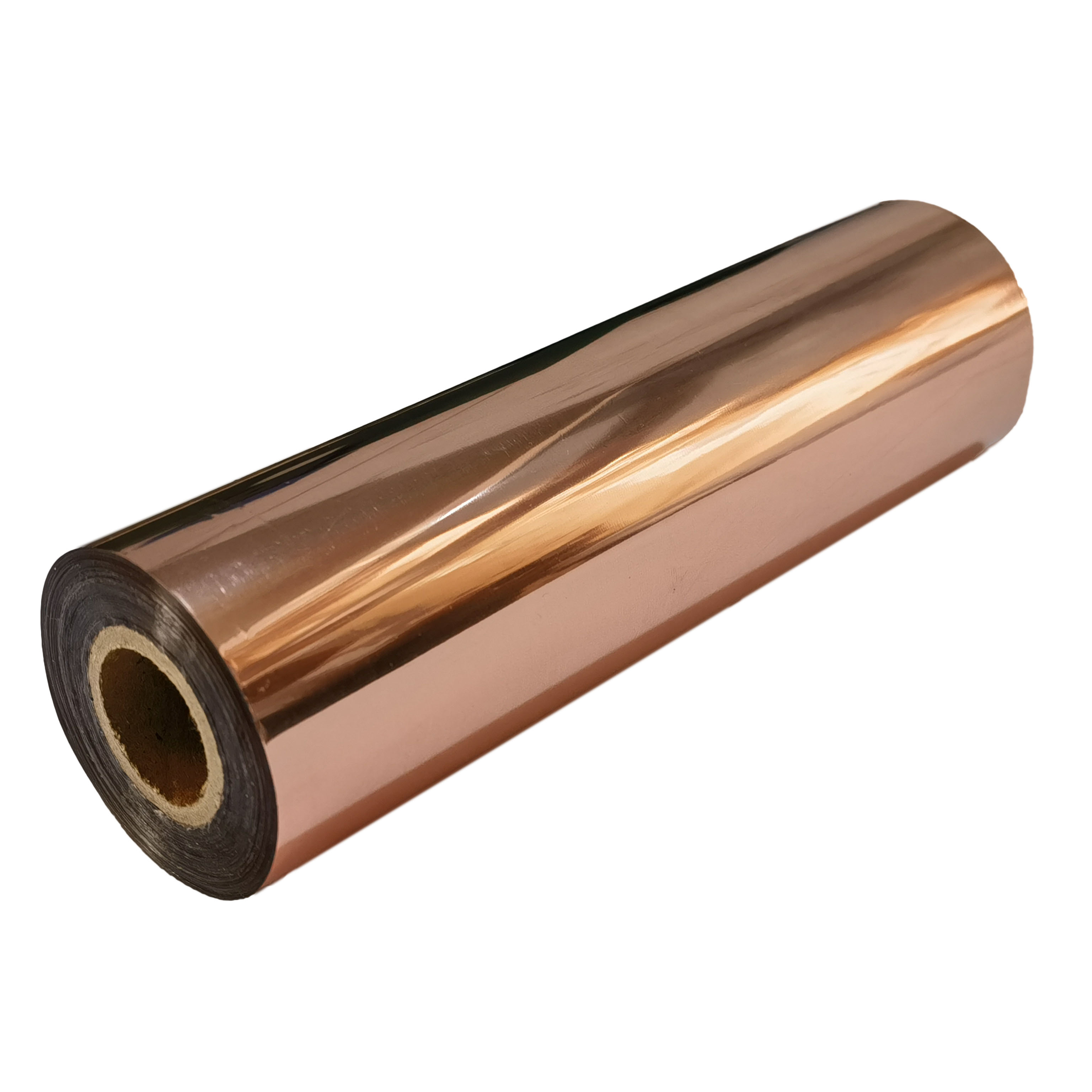
The optimal laminator temperature for most projects falls directly between 300°F and 320°F (150°C–160°C). This benchmark applies when using standard 80lb to 100lb cardstock. At 300°F, the heat penetrates the paper sufficiently to melt the toner without scorching the metallic pigments. We recommend starting your initial tests exactly at 300°F. You can then make minor adjustments based on your specific visual results.
Many operators use parchment paper or Teflon carrier sheets to protect their equipment. These sheets create a thermal dampening effect. They absorb a significant portion of the heat before it ever reaches your project. To compensate for this energy loss, you must adjust your baseline settings. We advise increasing your heat by 10°F to 15°F. Alternatively, you can reduce the throughput speed. Slowing the motor allows the reduced heat more time to penetrate the carrier folder and melt the toner completely.
Your choice of paper drastically alters how heat travels through the project. Different substrates possess varying thermal mass and surface tensions. You must modify your approach based on the materials loaded in your printer.
| Paper Type / Weight | Recommended Temperature Adjustment | Recommended Speed Adjustment |
|---|---|---|
| Standard Copy Paper (20lb) | Decrease by 5°F - 10°F | Normal to Fast |
| Light Cardstock (65lb - 80lb) | Baseline (300°F) | Normal |
| Heavy Cardstock (110lb - 130lb) | Increase by 10°F - 15°F | Slow |
| Glossy Coated Stock | Increase by 5°F - 10°F | Slow |
Your equipment dictates your success rate. You must understand the difference between internal heated silicone rollers and basic radiant heat plates. Internal heated rollers deliver direct, even pressure and heat simultaneously. They drive thermal energy directly into the rose gold toner reactive foil. Conversely, budget hot shoe laminators rely on static radiant plates. They heat the plastic pouch indirectly. Hot shoe machines are highly prone to cold spots. They consistently produce uneven bonding and frustratingly patchy results.
If you are upgrading your equipment, you must prioritize adjustable thermostats and variable speed dials. We consider these features mandatory success criteria. Fixed-temperature laminators lack the scalability needed for diverse paper stocks. A machine locked at a single heat setting will fail when you switch from thin vellum to heavy wedding invitation cardstock. Full manual control allows you to dial in the perfect heat-pressure-time triangle for every unique job.
Do not ignore the physical strength of the machine. Low-torque motors struggle to pull thick substrates through tight nip rollers. This implementation risk causes the motor to stall mid-transfer. When the machine stalls, the localized area under the roller overheats instantly. This burns the foil and ruins the print. You need a heavy-duty motor capable of maintaining a consistent pulling speed, regardless of the material thickness.
Black specks appear when the underlying toner shows through the metallic layer. This indicates a failure in the melting process.
Wrinkles ruin the sleek aesthetic of laser printer foil. Webbing looks like tiny shattered glass lines across the surface.
Sometimes the metallic layer adheres to blank white space, creating a messy, dusty appearance.
Small craft setups face distinct thermal limitations. Standard pouch laminators lose heat rapidly during operation. The rollers transfer their stored energy into the cold paper. They require longer recovery times between passes to maintain the critical 300°F threshold. If you feed pages continuously into a budget machine, the third or fourth page will likely fail. The machine simply cannot reheat its rollers fast enough. You must embrace patience. Wait 30 to 60 seconds between each insertion to guarantee consistent quality.
High-volume environments require specialized roll-fed pneumatic laminators. These robust machines evaluate scalability differently. They feature heavy steel rollers encased in thick silicone. This design ensures consistent edge-to-edge heat distribution, even running at high speeds. They also utilize automatic tensioning systems. These systems eliminate wrinkles entirely. Most importantly, commercial units eliminate the need for carrier sheets. You can run hundreds of invitations continuously without dropping a single degree of heat.
You must weigh the ongoing cost of material waste against upfront capital expenses. Budget setups seem cost-effective initially. However, ruining expensive metallic rolls and high-end cardstock destroys your profit margins quickly. A dedicated heated roller machine requires a larger initial investment. Yet, it dramatically reduces rejected prints. By eliminating spotty coverage and manual re-runs, the upgraded hardware often pays for itself within the first few major production runs.
Mastering sensitive metallic finishes requires a shift in perspective. You must treat the machine as a precision manufacturing tool, not just basic office hardware. By controlling the heat, pressure, and speed, you eliminate the guesswork that plagues most operators.
We advise you to conduct structured bracket tests whenever you onboard new foil rolls or change paper stocks. Run small sample squares at 290°F, 300°F, and 310°F. Label each sample and compare the adhesion quality under bright lighting. This simple testing protocol prevents catastrophic failures during large runs.
Before you accept your next major project, evaluate your current equipment. Verify it meets the heated-roller and adjustable-temperature criteria outlined above. Upgrading your hardware now will save you countless hours of troubleshooting and material waste in the future.
A: Only if it reaches a minimum of 300°F and uses heated rollers. Most entry-level laminators max out at lower temperatures for standard pouches, resulting in spotty transfers.
A: Yes. Printers that output denser, richer black toner provide a thicker adhesive base, which may require slightly more heat to fully melt compared to draft-quality prints.
A: Dulling is typically a symptom of thermal degradation from temperatures exceeding 330°F, or moving the print through the rollers too slowly.
A: While not strictly mandatory for all machines, carrier sheets prevent stray foil from melting directly onto the laminator rollers, protecting equipment longevity at the cost of requiring slightly higher operating temperatures.


